AI summaries · Novari Study
Find the thread in your notes.
Use a summary to organise a lesson, then return to the source and test your understanding.
Create a summary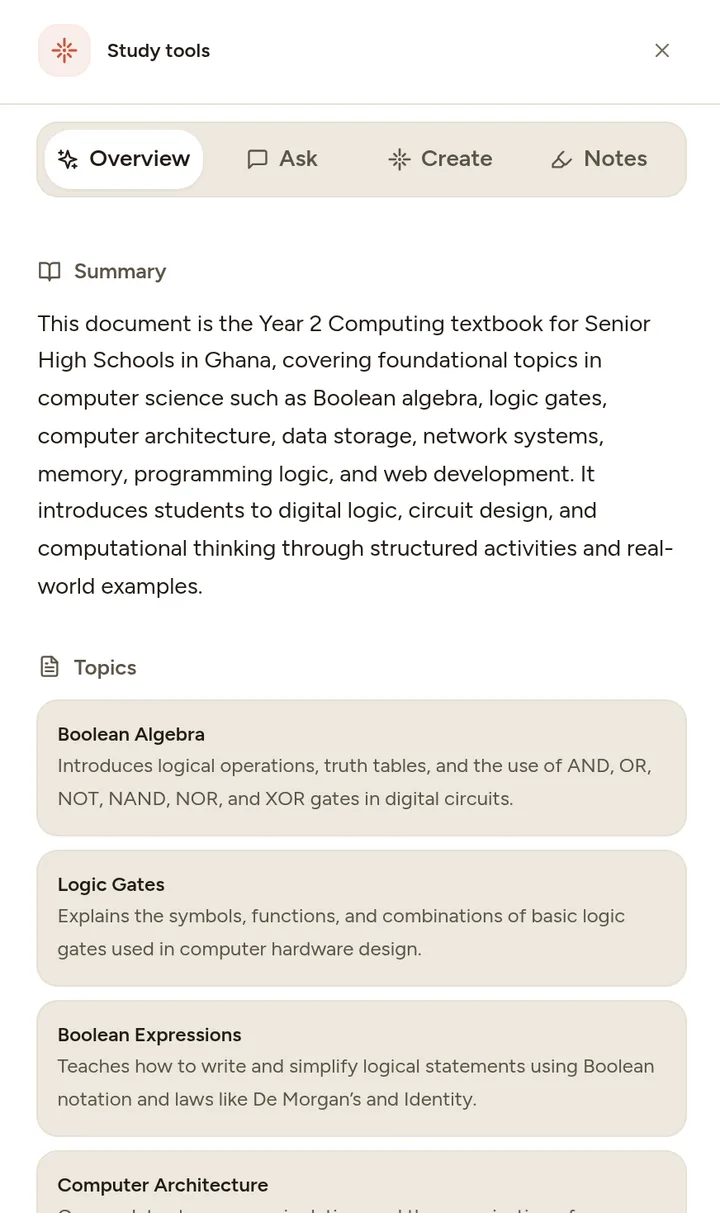
Start with the learning problem
Long notes can make the structure of a topic difficult to see. A shorter outline helps you find the main ideas, but shortening a page also risks losing qualifications, examples and important details.
Novari generates summaries and study guides from supported source material. Use the summary workflow to organise a document or topic into a more manageable explanation. The output is a study aid: compare it with the original before deciding what to revise.
From material to practice
How to get started
Select the material
Choose a document or topic with a clear boundary, such as one lesson. Check that the uploaded text is readable.
Compare the outline
Look for missing definitions, conditions, units and examples. Keep the original document nearby rather than treating the summary as a replacement.
Test the main ideas
Turn a heading into a question and answer it without looking. Use the quiz or flashcard workflow for a later recall check.
A practical example
From summary heading to recall prompt
If a summary heading says “Factors affecting evaporation”, ask yourself to explain one factor and its effect. Then check that your explanation matches your lesson instead of merely repeating the heading.
Make the session useful
Keep the exceptions
If the source says “under these conditions”, make sure the summary preserves that qualification. A shorter statement can become misleading.
Use summaries to navigate
Return to the full section when an idea is unclear. A good outline tells you where to look and what to practise next.
One useful session starts here.
Start on Novari Starter. Signup is required; your study destination is kept through sign-in.
Create a summary