AI quiz generator · Novari Study
Find out what you remember.
Turn a lesson into questions and make your next revision session more specific.
Generate a quiz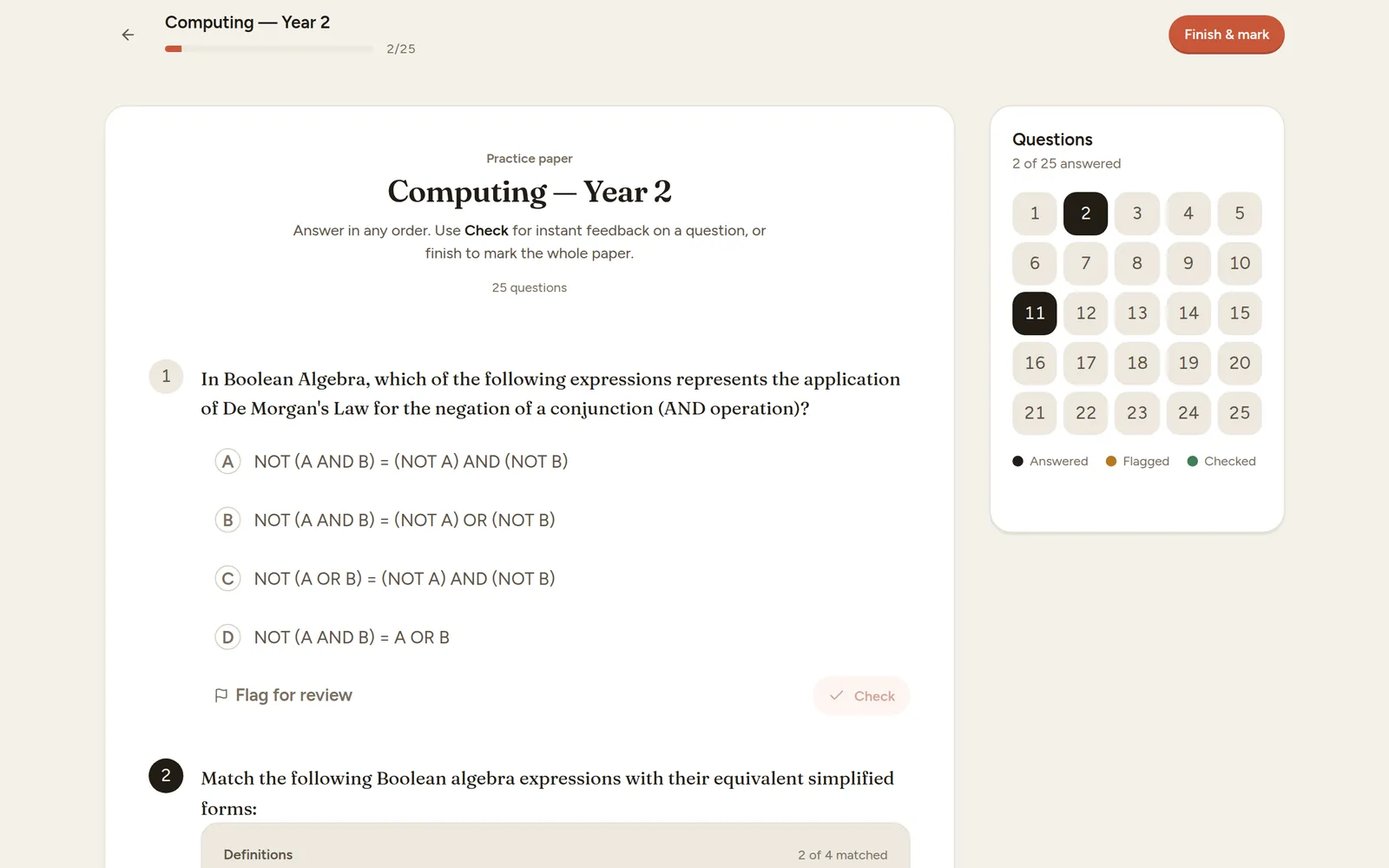
Start with the learning problem
A page can feel easy while you are reading it and much harder when you have to answer alone. A short practice quiz reveals the gap between recognition and independent recall.
Novari’s quiz workflow can generate practice from a topic, a document or an available syllabus selection. Supported question formats include multiple choice and other structured or written responses. Choose the options shown in your workflow and check that the generated content matches your source.
From material to practice
How to get started
Pick a focused source
Use one lesson or curriculum topic. Choose the question format and settings available in the quiz creator.
Attempt before reviewing
Answer without consulting the source for your first attempt. If you need help, note which part caused difficulty instead of guessing repeatedly.
Turn mistakes into revision
Inspect the explanation, verify it against your notes and practise another question on the same idea.
A practical example
Original prompt for a useful practice session
“Use my notes on linear equations to make a short quiz. Include a question that checks applying the same operation to both sides.” After the quiz, write down the first step you could not explain.
Make the session useful
Start short
A small set is easier to review carefully than a large quiz abandoned halfway through. Increase the scope when you can explain your answers.
Check more than the score
Ask why a tempting alternative is wrong. An explanation helps you distinguish a lucky choice from an understood answer.
One useful session starts here.
Start on Novari Starter. Signup is required; your study destination is kept through sign-in.
Generate a quiz