Progress tracking · Novari Study
See what needs another try.
Use your study activity and topic progress to make the next session more focused.
Review your progress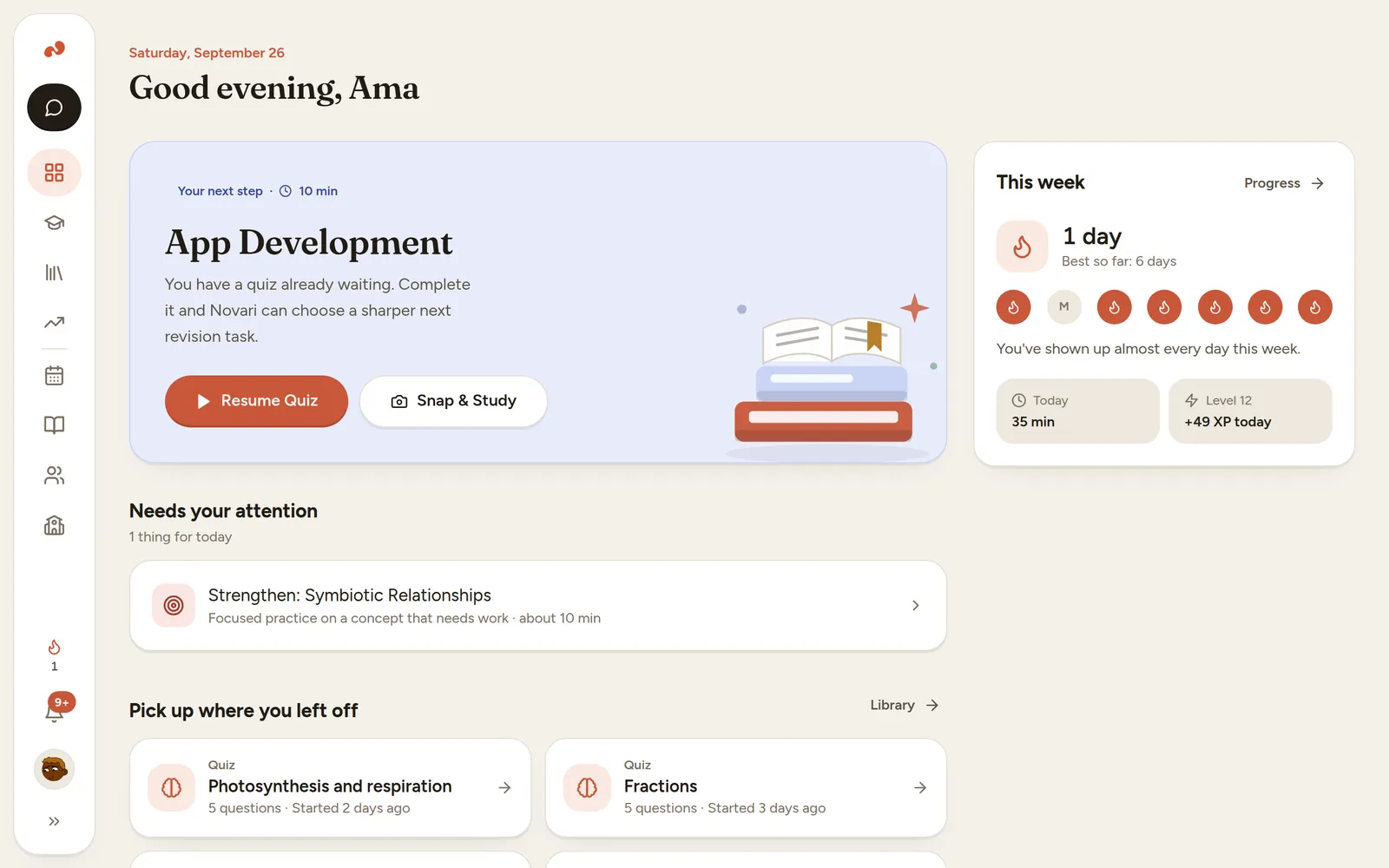
Start with the learning problem
A long streak tells you that you returned to study, but not necessarily what you understood. Looking at topic-level work gives you a more useful question: which idea needs another attempt?
Novari’s Progress workspace brings topic mastery and activity analytics together. Use it to inspect the learning evidence recorded in the app and decide where to return. Today and the study coach also use available learning context when recommending what to do next.
From material to practice
How to get started
Complete a study activity
Work through a quiz, flashcard review or other supported session. Progress becomes more useful as there is activity to review.
Open Progress
Look at topic mastery and the activity view. Compare the display with what you can explain without help.
Choose a follow-up
Return to a weaker topic, review a mistake and try another question. Use your planner to make room for the next session.
A practical example
Use a weak topic as a question
If equations look less secure than vocabulary in your progress view, attempt a short equation set without notes. Use the result to decide whether you need a worked explanation or more independent practice.
Make the session useful
Look for a pattern
One wrong answer is not the whole story. Check whether the same difficulty appears in different questions before changing your entire plan.
Pair the display with judgement
A topic score reflects recorded app activity. Teacher feedback and work done offline add context the app may not have.
One useful session starts here.
Start on Novari Starter. Signup is required; your study destination is kept through sign-in.
Review your progress